


Desk organization ideas you can use today (not someday)
A common misconception is that a tidy desk requires an hour of deep cleaning or expensive designer accessories. In reality, small choices—how you group pens, where papers land, the surface you give most priority—change daily productivity far more than perfect aesthetics. These desk organization ideas focus on repeatable setups that students and home-office workers can maintain between classes or meetings.
Group items by frequency of use, not by type
Put the things you reach for every day—laptop, pen, current notebook, water bottle—closest to your dominant hand. Store less-used items (hole punch, extra notebooks, spare chargers) further away or in a drawer. This cuts time searching and reduces surface clutter without a big purchase.
Use vertical space to keep the desktop clear
When desk depth is limited, add vertical solutions: a monitor riser with a drawer, a small hutch, or stacked letter trays. A monitor riser raises the screen to eye level, freeing the space underneath for a keyboard, notebooks, or storage bins.
Create three zones: work, reference, and supplies
Define areas on your desk so things don’t migrate. Work zone: laptop or writing surface and essentials. Reference zone: textbooks, binders and current-reading materials (use a vertical bookend or a two-tier shelf). Supplies zone: pen cups, stapler and sticky notes in one container. Zoned layouts help you clear the work area quickly when you need to focus.
Contain small items with compartmentalized organizers
Loose paper clips, flash drives and erasers multiply fast. A small compartmented tray or drawer organizer keeps tiny items accessible but invisible. For students, reserve one compartment for current project labels, another for charging cables so you avoid rummaging.
Adopt a one-in, one-out rule for paper
Paper clutter is the most persistent problem. When a new worksheet, handout or bill arrives, decide immediately: keep, digitize, or recycle. Use a three-slot paper tray labeled “Action,” “Reference,” and “Archive” so papers move through a simple workflow instead of piling up.
Keep a slim daily docket or planner visible
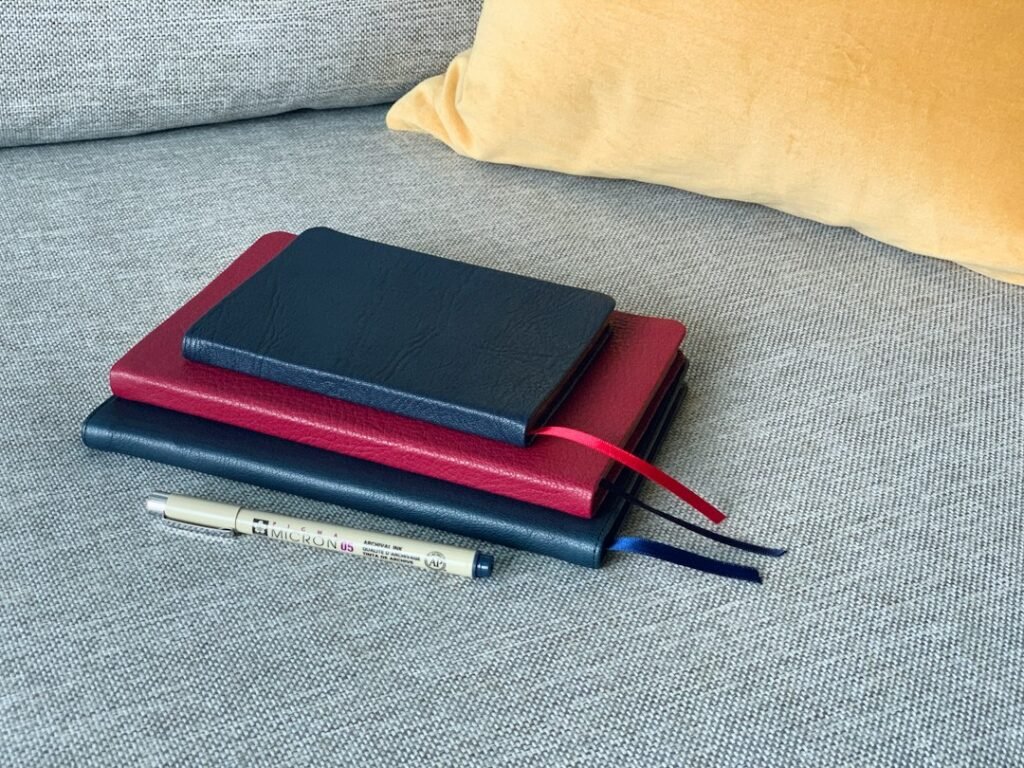
A compact planner or sticky-note schedule anchored at the top-right (or left, depending on handedness) reduces open tabs and mental clutter. That visible reminder prevents loose notes from becoming stacks of paper and makes it easier to clear the desk at the end of each session.
Choose one pen holder and one tray for current materials
Too many holders create visual noise. Limit yourself to a single pen cup and one shallow tray for current notebooks and loose pages. If you need separation, use small internal dividers rather than multiple containers across the desk.
Use cable management that matches your setup
Simple cable clips, a short under-desk channel, or a zip-tied loop behind a monitor keeps chargers and headphones off the surface. For renters who can’t drill, adhesive cable channels and a small power strip mounted to the desk edge remove tangle points and make nightly clearing faster.

Make a nightly two-minute reset a habit
End each day with a two-minute tidy: put pens back, stack papers in the right tray, plug devices to charge, and wipe the surface. That small ritual pays back with a ready workspace for the next session and keeps clutter from becoming a weekend project.
Pick one organizer that does the heavy lifting (product pick)
If you want a single, versatile piece to reduce desktop chaos, choose a multi-compartment desk organizer with drawers and pen holders—ideal for students and home workers who need both small-item storage and surface order. It consolidates frequently used items and creates a single place to tidy quickly.
Arrange for study sessions and for deep work differently
Not every session needs the same setup. For a focused study block, remove reference books and non-essential devices from the desk and tuck them into the reference zone or a shelf. For lighter review or creative work, allow a wider spread. Changing the physical layout signals your brain which mode you’re in.

When storage is limited: lean on multi-use tools
On a small desk, combine roles: a monitor riser that stores supplies underneath, a clipboard that doubles as a lap writing surface, or a wall-mounted cork strip for reminders. Multi-use items reduce the number of distinct objects vying for space.
- Identify your daily essential items and place them within arm’s reach.
- Set up three zones: work, reference, supplies.
- Add one vertical solution (monitor riser or file tray).
- Use a compartmented tray for small items.
- Implement a one-in, one-out paper rule.
- Do a two-minute nightly reset.
Small, repeatable changes beat occasional deep cleans. Start by grouping by use, adopting one multi-compartment organizer, and building a short nightly routine—those three steps will keep your desk functional and make studying or working less frustrating.
What desk organizer size works best for students?
A compact organizer with several shallow compartments and at least one drawer is usually enough for pens, sticky notes and a calculator without taking over the desk.
How often should I declutter my desk?
Daily two-minute resets plus a 10–15 minute weekly tidy prevent small messes from accumulating into major reorganizing sessions.
Can I use decorative items without adding clutter?
Limit decorative items to one or two meaningful pieces; place them in the reference zone or a shelf so the work area stays distraction-free.
How do I manage digital clutter alongside physical clutter?
Match physical routines with digital ones: a “clear desktop” rule for files, a folder system for notes, and a 10-minute weekly inbox cleanup mirror your physical desk habits.
Which organizer is best for small desks?
A monitor riser with a drawer or a compact multi-compartment desktop organizer provides storage without sacrificing work surface.